
Hit the Road Dude Pet Examples: Cat Video and Photo Tips
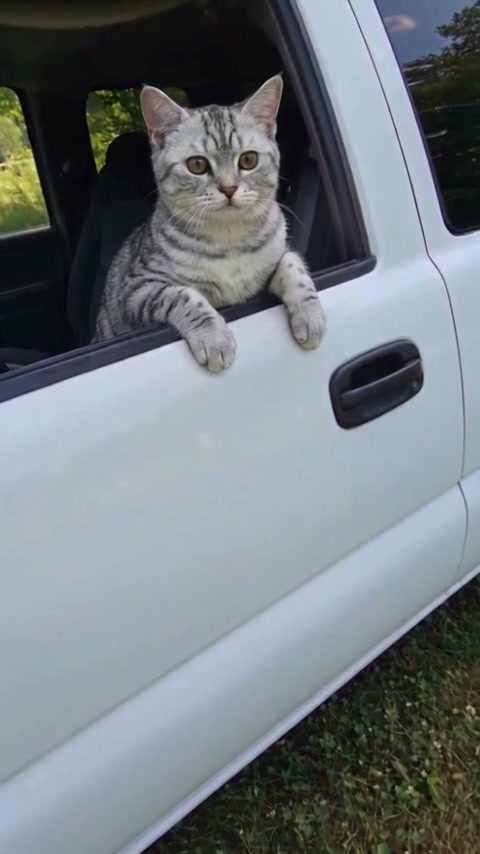
Start with a completed video, not just a concept image. The silver tabby below is our current public pet example: one input photo and a new white-pickup scene, approximately 15 seconds, 480p and with sound. Open its watch page to inspect the full result.
Last updated:
Silver Tabby Cat — Hit the Road Dude AI Video Example
What this cat example shows
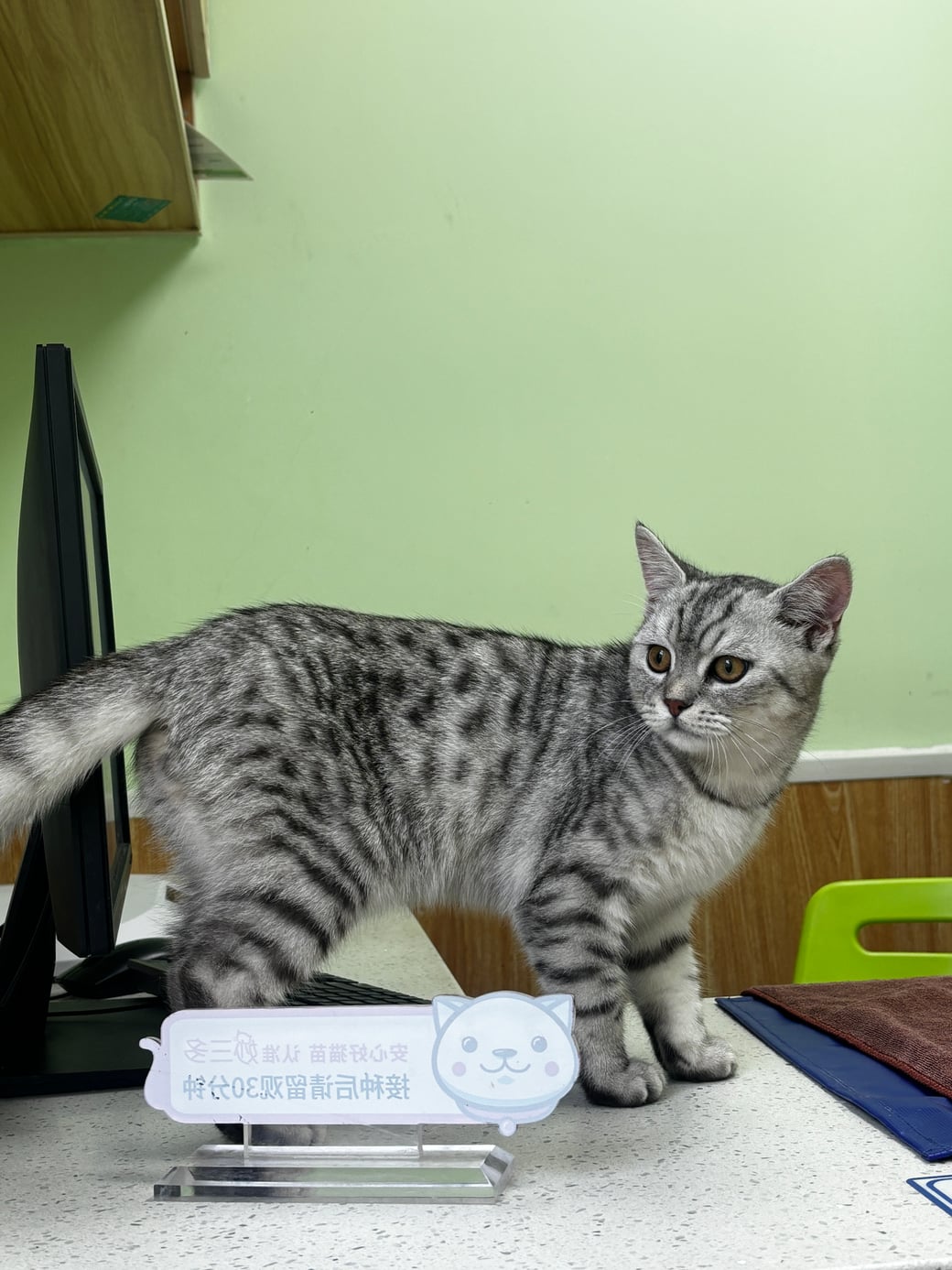
The input shows a silver tabby standing on a counter. The finished clip moves the pet into a white pickup beside a pond. Compare its coat pattern, ears and face with the photo, then play the video to inspect the paws, gestures and spoken delivery. The input background is not the intended setting of the output.
Choosing a cat photo
Use a clearly visible muzzle and eyes, good lighting and some of the upper body. Distinctive fur markings help you assess likeness. If a hat or outfit matters, include it in the photo; preservation is a goal of the instructions rather than a guaranteed result.
Choosing a dog photo
Choose one dog with both eyes visible and a clear muzzle. Avoid a leash, toy or person covering the face. The instructions support dogs, but no completed dog output is presented in this gallery yet. This cat sample is not evidence of a particular dog’s result.
Judge the full clip
Check the face over time, not only the poster. Look for consistent fur, natural paws and coherent mouth movement. New orders use native audio guided by the source dialogue; exact wording and timing may vary. The public test restores original audio. Watch with sound before deciding whether this format suits your pet.